
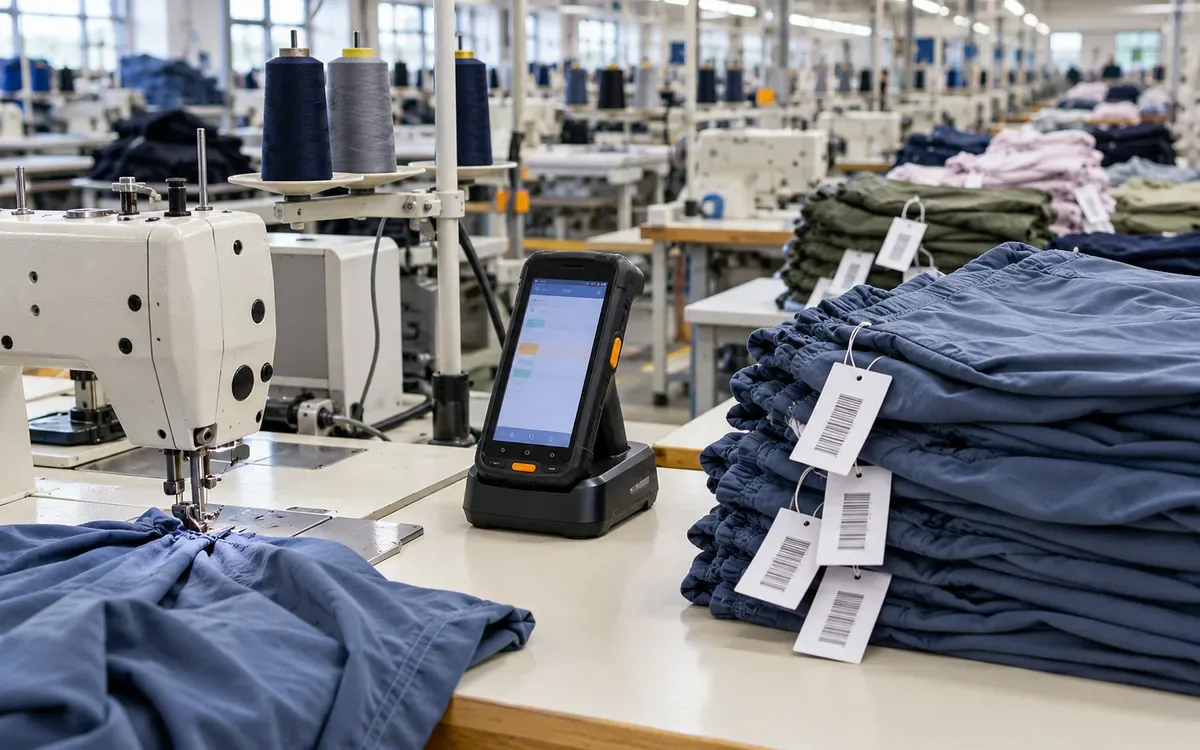
A sewing-floor scanner can read a bundle label while the network is down. The harder question is what happens next.
Did the app save the scan on the device? Did the server accept it? Can the operator safely scan the next bundle? If the app closes before the link returns, will that first record still exist?
Offline barcode software needs clear answers to all four questions. A green flash that means only “barcode decoded” is not proof that production has been recorded.
This guide develops an original design for offline sewing-floor capture. It uses an Android handheld as the technical example. The workflow, quantities, queue sizes, and event records are hypothetical. The core ideas also help teams assess other platforms. Each needs its own tested storage and background-work design.
Decide which floor actions may work offline
Offline support is a business decision as well as a software feature. List the actions that can continue without a current server reply.
A bundle completion scan may be allowed under a recently loaded route. Other actions may still need a live connection. Examples include releasing a style, changing a standard time, or approving a stock adjustment.
State that boundary in the app. Do not leave operators to discover it through unexplained errors.
Android's guidance defines an offline-first app by what it can do without internet access. It can perform all its work or a critical subset. It also distinguishes offline reads from offline writes. Supporting one does not automatically support the other. Android offline-first guidance
For a sewing line, “works offline” should therefore name the supported tasks and the limits of the cached data.
Define what one scan event means
A barcode is an identifier. The work event needs more context.
The same bundle can pass several operations. It may return for repair. Two operators may scan it at different stations. Counting every scan as another completed bundle would inflate output.
The example event reports a proposed completion at operation OP30. It covers bundle B204 and twenty-four pieces. The device records who made that report and when.
Give the event its own EventID. Keep BundleID and OperationID with the event. Add quantity and route version. Record the operator, station, and capture time too.
Use “proposed” deliberately. The device can record an observation while offline. The server may later reject it. The bundle may be closed or the route may have changed. Another accepted event might already cover the work.
ApparelDiary's WIP reconciliation guide explains why production states need defined boundaries. Offline capture must preserve those boundaries.
Separate barcode decoding from business capture
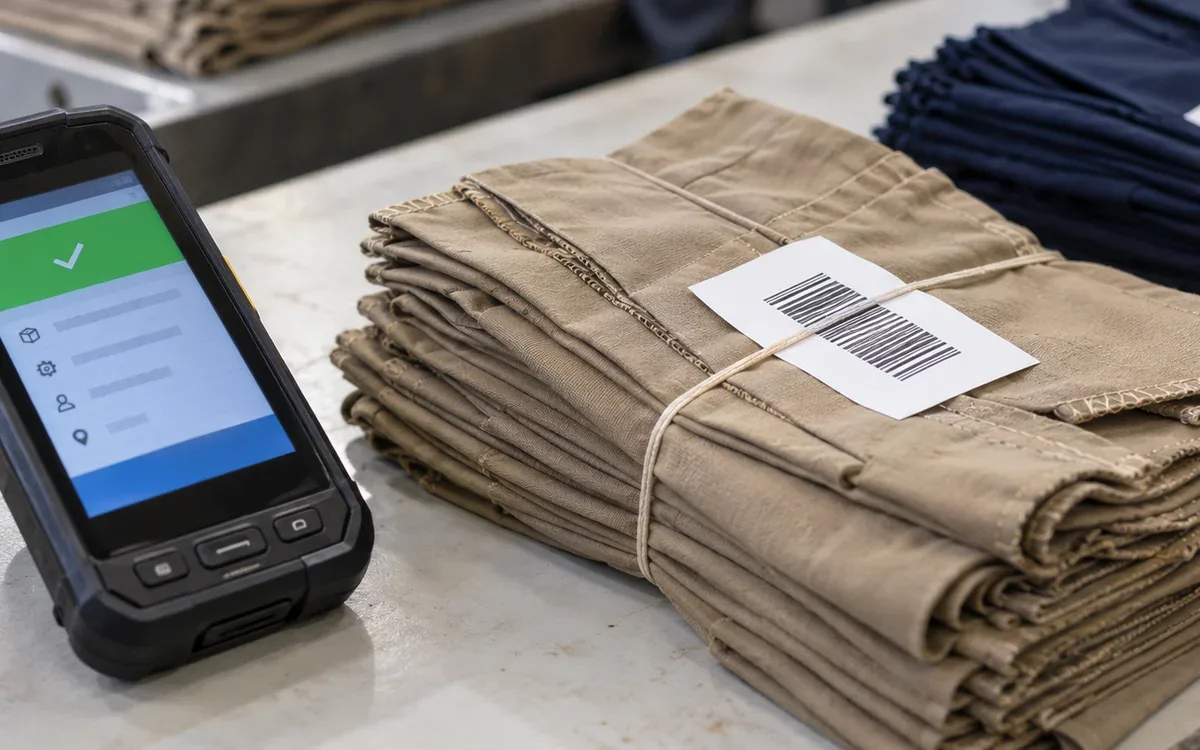
A scanner can beep when it decodes a label. That only confirms that it read characters.
The app must parse the code and identify the bundle. It then checks the local rules and saves the event. Only after that save should it confirm local capture.
Zebra's DataWedge documentation describes Intent Output. It lists fields for barcode characters and raw decode data. Those are scanner inputs to the app, not completed production records. Zebra Intent Output
Choose one input path for the configured app. Test whether the device sends data through intent output, keyboard output, or another supported route.
Avoid a design that processes the same physical read through two input paths. The app may create two separate business events from one read. A server retry key alone cannot detect that. The business rules must also recognize duplicate work.
Use three clear operator messages
The display should separate local storage from server acceptance.
Visible message | What it means | What the operator should know |
Saved on this device | Local event is durable; sync pending | Work is recorded locally, not yet accepted centrally |
Accepted by server | Server returned a final accepted result | The event contributes under the reporting rules |
Needs review | Server rejected or held the event | A named person must resolve the reason |
A fourth message, “Not saved,” is essential when local storage fails. It must look and sound different from success.
Do not show “uploaded” as a synonym for accepted. A request can reach the server and still fail a business check.
Keep the pending count visible but unobtrusive during normal scanning. When the queue becomes old or large, make the issue more prominent. The threshold should come from the plant's operating limit, not a universal number.
Save locally before confirming the scan
The event should enter durable local storage before the app tells the operator it is saved.
A list held only in memory can disappear when the process ends. A network request running in the background is also not a substitute for a local record.
Android Room provides an abstraction over SQLite for on-device data persistence. Its documentation makes clear that local persistence and multi-device synchronization are separate concerns. Room database guidance
In the proposed design, one local transaction saves the event and its pending-sync state. The app may also show a local total. Derive that total from saved records, or update it within the same reliable boundary.
A temporary screen value is not a saved record. Do not show a durable-success message for it.
Keep the local transaction small and complete
A logical capture sequence is:
Read the decoded barcode.
Resolve the bundle from approved local data.
Check required local fields.
Create EventID once.
Begin local transaction.
Save event content and pending state.
Commit.
Confirm “Saved on this device.”
This is a design sequence, not a ready-to-run Android implementation.
SQLite documents atomic commit as an all-or-nothing transaction property. It also explains interrupted commits. Read its storage and system assumptions when applying that guidance. SQLite atomic commit
Use supported durability settings and test the actual device. Do not weaken storage settings merely to make the scanner appear faster.
If the local transaction fails, show “Not saved.” Keep enough context for a controlled retry. Do not advance the visible completed count.
Give the event a stable identity across restarts
Create EventID once and store it with the event. Every upload attempt must reuse that ID.
DeviceID identifies the device enrollment. A local sequence can reveal gaps within that enrollment. It should not be the sole global identity.
A device can be replaced, reset, or re-enrolled. If a sequence restarts at one, old and new records must not collide.
Keep an enrollment or installation identifier where the design requires it. Record the app and event-schema versions too.
Do not generate a new EventID each time the sync worker starts. That turns one saved scan into several apparently new events.
Also distinguish a repeated upload from a second physical scan. They need different checks. The former repeats an EventID; the latter may have a new EventID but describe the same work.
Preserve enough context to review a rejected event
Field | Example purpose |
EventID | Recognizes repeated delivery of this saved event |
Device enrollment | Identifies the capture source and sequence scope |
Local sequence | Helps find gaps on that device |
Bundle and operation | States the work being reported |
Piece quantity | Records the proposed completion amount |
Route version | Explains which local rules were used |
Operator and station | Identifies the working context |
Captured time | Records when the device observed the action |
Server received time | Records when the central system learned about it |
Final result and reason | Explains acceptance, rejection, or review |
Do not collect fields merely because the device can supply them. Each should serve a defined operational need.
Keep the original event content after submission. Give a correction its own identity and link it to the event. Do not silently rewrite the saved observation.
Cache the right reference data
The device needs enough local data to interpret a scan. That may include allowed bundles and route steps. Station assignments and offline task permissions may also be needed.
Give each downloaded set a version and a validity rule. Show when the device last received it.
A route change made on the server will not instantly reach an offline device. Decide how the business handles events captured under the older route.
One policy may allow a limited grace period. Another may require review for certain operations. The right rule depends on the work and its consequences.
Do not silently replace the event's recorded route version during upload. The server needs to know which rules the operator actually saw.
An unknown bundle should produce a clear local exception. Guessing from a similar code defeats the purpose of scanning.
Keep capture time and receipt time separate
During an outage, twenty minutes of work can arrive at the server in one burst. If reports use only receipt time, that work appears to happen at reconnection.
Keep the device's capture time and the server's receipt time as separate fields.
A device clock can be wrong. Android documents that the wall clock can jump when the user or network changes it. Its monotonic elapsed-time clocks serve a different purpose. Android SystemClock
For diagnosis, record suitable clock context and the device's recent synchronization status. Do not claim that an offline timestamp is exact merely because it has seconds.
A monotonic clock can help order events within a device boot session. It is not a universal calendar clock across devices or reboots.
Flag implausible times for review rather than silently moving them into a convenient shift.
Build a queue with explicit states
The proposed local queue uses pending, sending, accepted, rejected, and review states.
“Sending” is temporary. The app may restart after a failed connection. It must recover the event. From there, it can check the result or retry delivery.
Keep attempt count, last attempt time, and last error separate from the event content. They describe transport history.
An accepted event keeps its server reference. A rejected event keeps a reason code and a readable explanation. A review state names the unresolved business question.
Do not delete an event merely because an HTTP request returned. Check the response's event identity and final result.
Every locally saved event needs a known state. It may be pending, in progress, accepted, rejected, or under review. The counts should account for all saved events. It should not vanish between categories.
Use persistent background work for synchronization
A sync task must survive more than a screen change. Android recommends WorkManager for persistent tasks. These need to survive app exits and device restarts. Its scheduling state persists, and it supports retry policies and constraints. Persistent work guidance
That does not mean every event uploads at an exact time. Device conditions and system scheduling still matter.
Use the network condition as a signal to try, not proof that the business server is reachable. A device may be connected to Wi-Fi while the API is unavailable.
Android's work-request guidance describes network constraints and backoff settings. It also explains that periodic work timing depends on constraints and system optimizations. Define work requests
For the sewing app, measure how long saved events remain pending under the actual device policy.
Send manageable batches with per-event results
A batch can reduce overhead, but the response must identify the result for each EventID.
Suppose a batch contains ten events. Eight are accepted. One has an invalid
route. The last remains unresolved because a target service failed.
The local result should be eight accepted, one rejected or under review, and one still pending. It must not mark all ten accepted because the batch request returned a success status.
Nor should it recreate all ten with new IDs. The eight accepted events already have final outcomes.
Keep the batch ID for transport tracing. Keep EventID for business identity. A different batch can carry a retry of the same event.
Choose batch size from payload limits and measured behaviour. A very large batch can delay feedback and make one connection loss expensive to retry.
Keep server validation authoritative
The device performs useful checks, but its cached data can be stale. The server must apply the final rules for accepted production.
Check the event's identity, work scope, and quantity. Review route context and permission under the offline policy too.
The server also needs safe handling of repeated EventIDs. A lost response can cause the device to send an event that the server already accepted.
This article's focus is the device queue. The system that owns the production record needs its own duplicate protection. Design and test that server behaviour separately.
Avoid “last write wins” for additive piece counts. One device may have a later timestamp. That alone should not let it overwrite another device's observation.
Two events may claim the same bundle completion. Use the business key and review rules to decide the result.
Handle partial bundles and rework explicitly
A twenty-four-piece bundle may finish in two parts. If the app permits partial completion, it needs a rule for the remaining quantity.
For example, an operator records eighteen pieces, then six later. These are two distinct work events. Together they complete twenty-four pieces under the stated route.
Completed pieces = First partial completion + Second partial completion.
Completed pieces = 18 + 6 = 24 pieces.
A repeated upload of the eighteen-piece event adds nothing further. A new event may claim another eighteen pieces. The quantity or duplicate-work check must assess that claim.
Rework is another case. A repaired piece returning to OP30 should not automatically count as another first-pass completion.
Give the operator a clear action for rework or correction. Do not ask them to encode that meaning through an unexplained negative quantity.
Size local storage from the event rate
Assume one device captures six hundred events per hour over an eight-hour shift. Each stored event uses an average of two kilobytes, including the chosen local fields.
Events per shift = 600 × 8 = 4,800 events.
Event storage per shift = 4,800 × 2 kB = 9,600 kB.
Using decimal units, that is 9.6 MB. Four shifts require 38.4 MB for those event records.
These are teaching assumptions, not a device specification. Add database overhead, indexes, reference data, logs, and a suitable operating margin.
Images can change the estimate sharply. A photo attachment is not another two-kilobyte scan. Measure it separately.
Set a storage warning and a safe response to low space. The app should not keep displaying success after it can no longer save records.
Calculate how long a backlog takes to drain
Consider sixty devices, each capturing eighty events per hour. A ninety-minute outage creates:
Backlog = Devices × Events per device-hour × Outage hours.
Backlog = 60 × 80 × 1.5 = 7,200 events.
After reconnection, new work continues at 4,800 events per hour, or eighty per minute.
Assume the full path can accept six hundred events per minute. Net backlog reduction is:
Net drain rate = 600 − 80 = 520 events per minute.
Drain time = 7,200 ÷ 520 = 13.85 minutes.
The calculation assumes steady rates, no further outage, and no rejected work blocking the queue. It is not a promised recovery time.
Compare capacity with the new arrival rate. If capacity is no higher, the backlog will not clear under those conditions. Increase capacity, reduce the load, or change the recovery plan.
Recover from power loss and app upgrades
Test power loss before and after local commit. Try it during upload too. Finally, interrupt the device after server acceptance but before local acknowledgment.
Each point asks a different question. Was the scan saved? Was it sent? Was it accepted? Can the device recover the result?
App upgrades must preserve pending records and their interpretation. Test the local schema migration with a nonempty queue.
Do not treat “the app opens after upgrade” as proof that the queue survived. Compare EventIDs, content, states, and totals before and after.
If a device must be replaced while events remain only on it, use an approved recovery process. A server cannot recover records it never received unless another valid copy exists.
Make this limit visible to support staff before they reset a troubled device.
Give supervisors a useful exception view
Show the pending count and oldest pending age. Add the last accepted sync and rejected count. Display the reference-data version too.
A device with two old pending events can be more urgent than one with fifty recent events during a brief outage.
Let the supervisor inspect the bundle, operation, quantity, and rejection reason. Provide a route to the person who can resolve the business issue.
Keep technical transport errors separate from business rejections. “Server unavailable” calls for a different response from “bundle already completed.”
Do not ask operators to rescan every bundle after a network outage. That can create new events for work already saved. First inspect the local queue and server results.
A good recovery screen helps staff resume work without guessing which records exist.
Test the complete capture path
Test case | Evidence to inspect |
Scan with no network | Local event saved and pending message shown |
Close and reopen app | Same EventID and content remain |
Lose response after acceptance | Retry recovers the accepted result |
Scan through duplicate input paths | One intended capture or visible duplicate handling |
Two devices claim one completion | Server applies the agreed work rule |
Change device clock | Time issue remains traceable |
Upgrade with pending events | Queue content and states survive |
Fill local storage | Failure is visible; no false save message |
Run tests on the intended scanner model and configured app version. Desktop demonstrations do not exercise the same input, storage, and power conditions.
Use known expected piece counts. Check the central production record after recovery, not only the device's green indicators.
Pilot a bounded offline policy
Start with a defined operation, route, device group, and outage duration. Train operators on the difference between saved locally and accepted centrally.
During the pilot, compare physical work, local events, and accepted server records. Investigate every unexplained difference.
Measure the oldest pending age and the time needed to clear a backlog. Review rejected events with the team that owns the process.
Expand only after the evidence supports the next scope. The completion-scan pilot may succeed. That does not prove the same offline rules suit order release, quality approval, or payroll input.
The purpose is continuity with clear records. It is not to keep every button active under every network condition.
Common questions
Does an audible scan beep prove the work was recorded?
No. It may only confirm decoding. The app needs a separate local-save result and a later server result.
Can the device discard a record as soon as it sends it?
It should retain enough evidence until the defined acknowledgment and retention rules are met. Sending alone does not prove acceptance.
Should we use device time for every dashboard?
Keep both capture and server-receipt times. Choose the reporting clock explicitly and handle unreliable device time as an exception.
Can offline capture remove the need for a reliable network?
No. The queue needs eventual synchronization, and cached rules become stale. Offline support gives the process a defined tolerance for interruption.
Make the saved record the centre of the design
A dependable offline sewing app can explain each scan. Where is the record? What does it mean? Has the server accepted it? That explanation begins with durable local capture and a stable EventID.
Give operators clear messages and controlled reference data. Use persistent sync work and test recovery. These parts make the queue useful. Check the accepted production record after an outage. The same physical work should be counted once, under the right operation.
Floor data capture feeds production records, so see ERP for the apparel industry, WIP reconciliation, the operations dashboard and cycle counting.



Discussion0
Loading the discussion…